VPS at

The following will be covered
- What is the difference between managed and unmanaged VPS
- What 1st level needs to handle
- When to escalate to 2ndlevel
- Admin related stuff
- A very quick look at Plesk
- Question time
The difference between managed and unmanaged VPS
There are 2 kinds of VPS. Managed and unmanaged, it's very important to know the difference.
So lets look at them
Managed VPS
On a Managed VPS, we manage the server for the customer, kind of like how our shared hosting product works. We give you access to Plesk. And thats all.
You manage your websites and email via Plesk. And we make sure your server is updated. You have no access to the console of the server, and cannot install anything else.

The start screen of Plesk
Unmanaged VPS
On the unmanaged VPS product, you are in charge of everything, and we offer no help with anything other than billing related questions.
You have full access to the server console via SSH, and can install whatever you want.
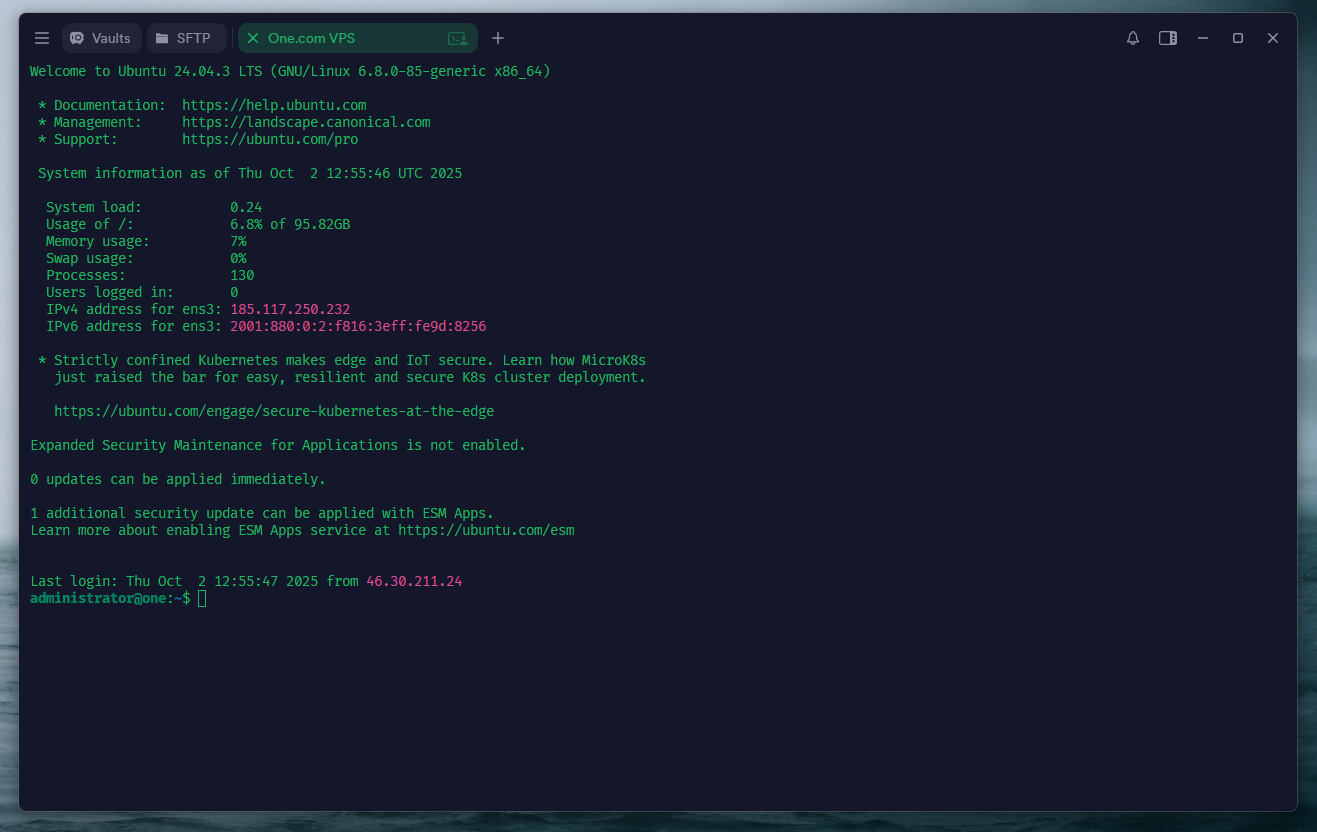
The default Ubuntu welcome screen in a SSH terminal
What is expected from 1st level
What we expect from 1st level, is that you guys handle billing related questions.
When to escalate to 2ndlevel
For managed VPS
All customer questions that you are not able to fix yourself, except for billing questions, can be send to us in 2ndlevel. As these are managed VPS customers, we handle everything.
For managed VPS, please use the following macro in Zendesk
Escalation to 2nd level::Specialized::Managed VPS
A list of all macros can be found on macro.support.one/oneFor unmanaged VPS
You should only send these customers onwards to us, if its general vps questions. We offer no help with software, or other stuff.
If the question is can i install X thing on a VPS, the answer is 99.99999% of the time: Yes. So no need to send those on to us.
For unmanaged VPS, please use the following macro in Zendesk
Escalation to 2nd level::Specialized::Unmanaged VPS
A list of all macros can be found on macro.support.one/oneAdmin related stuff
Can i use the Force Activate button?
Yes! If you have verified the customer, please use that button to activate the customers VPS
A quick look at Plesk
Time to open a browser